01
INPUT
However the meeting comes in.
Drop a bot into the call, upload a recording, or paste the notes you already took. Greatars takes any of them.
A call, a recording, or a paragraph of notes — the page reads the same.
Drop a bot into the call, upload a recording, or paste the notes you already took. Greatars takes any of them.
Sorted into named sections — Decisions, Owners, Next steps — important first, readable at a glance.
Notion, Google Docs, Slack, or PDF — one click and it lands wherever you already do the work.
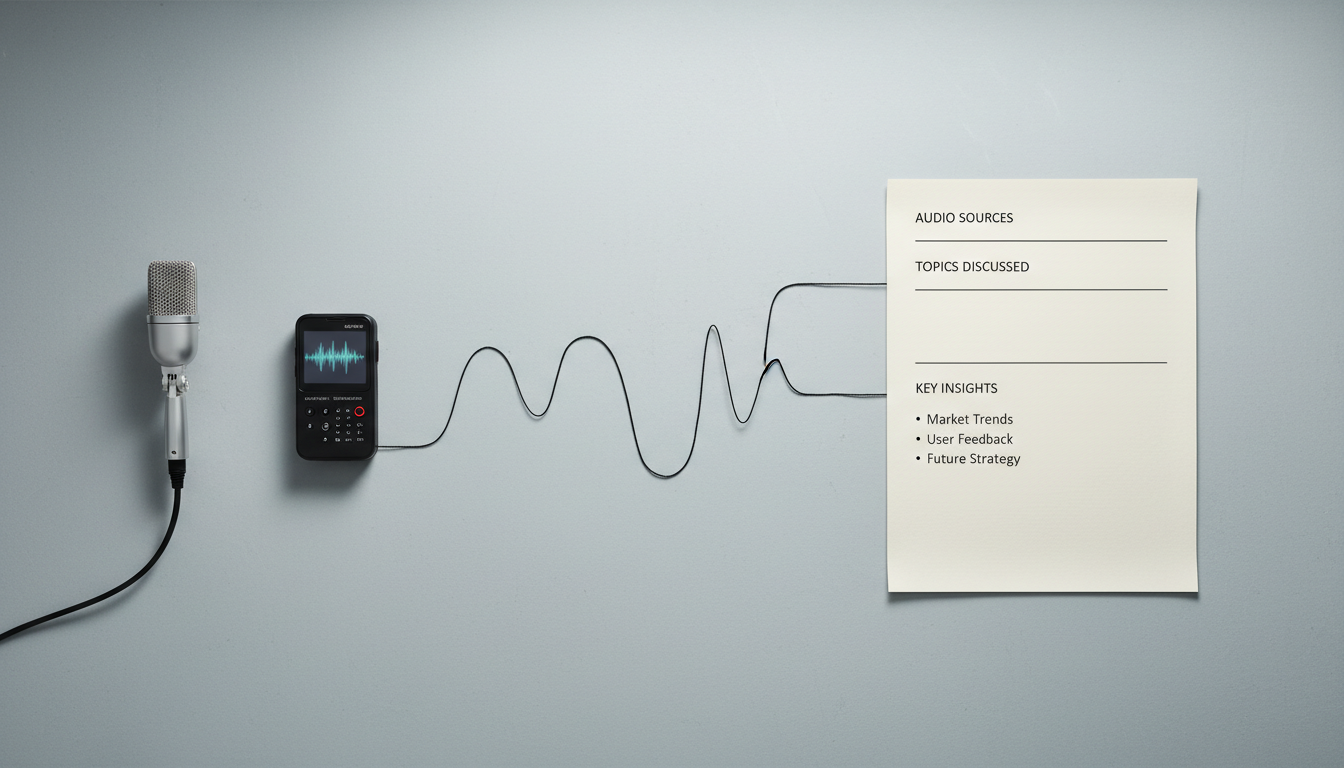
Drop a bot into the call, upload an audio file, or paste the raw notes you took on paper. Greatars folds them into the same structure.
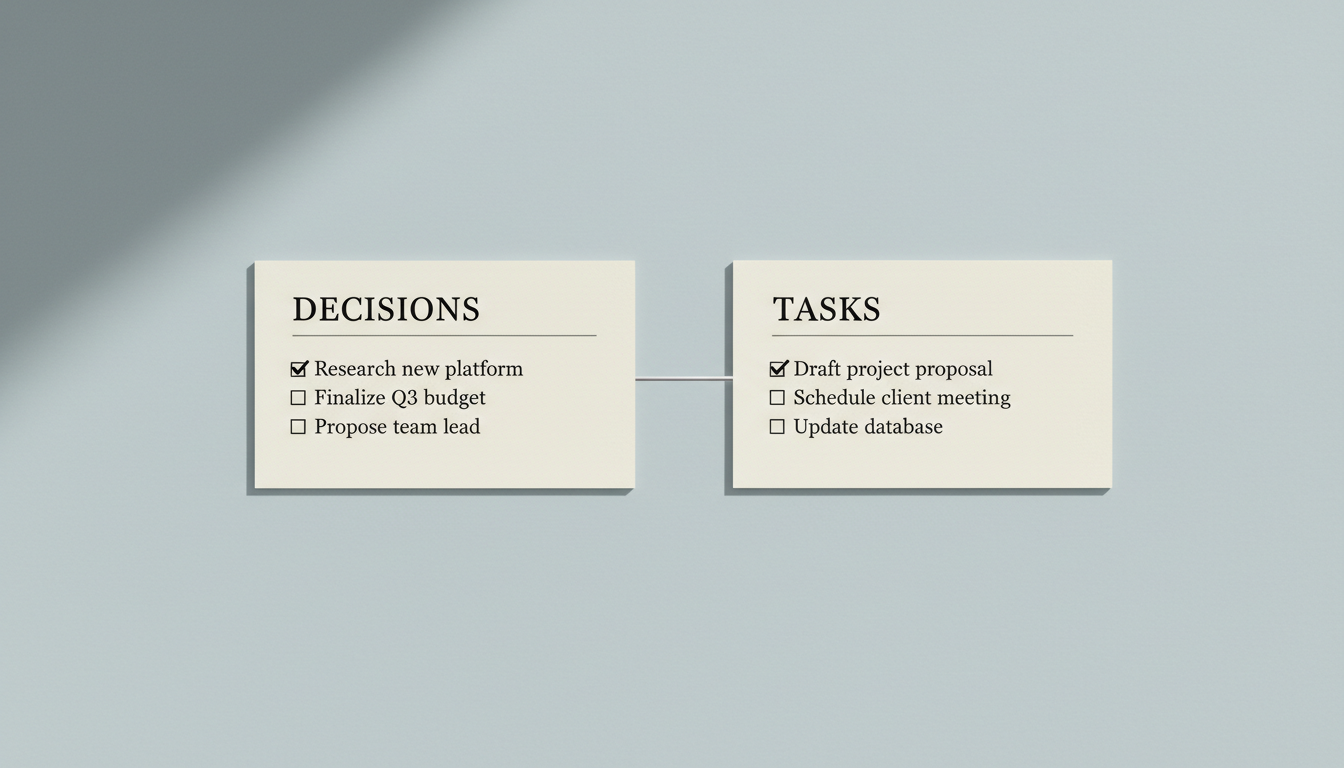
Greatars reads the meeting and lays it out under the headers a busy reader actually scans. Skip the recap; act on the page.
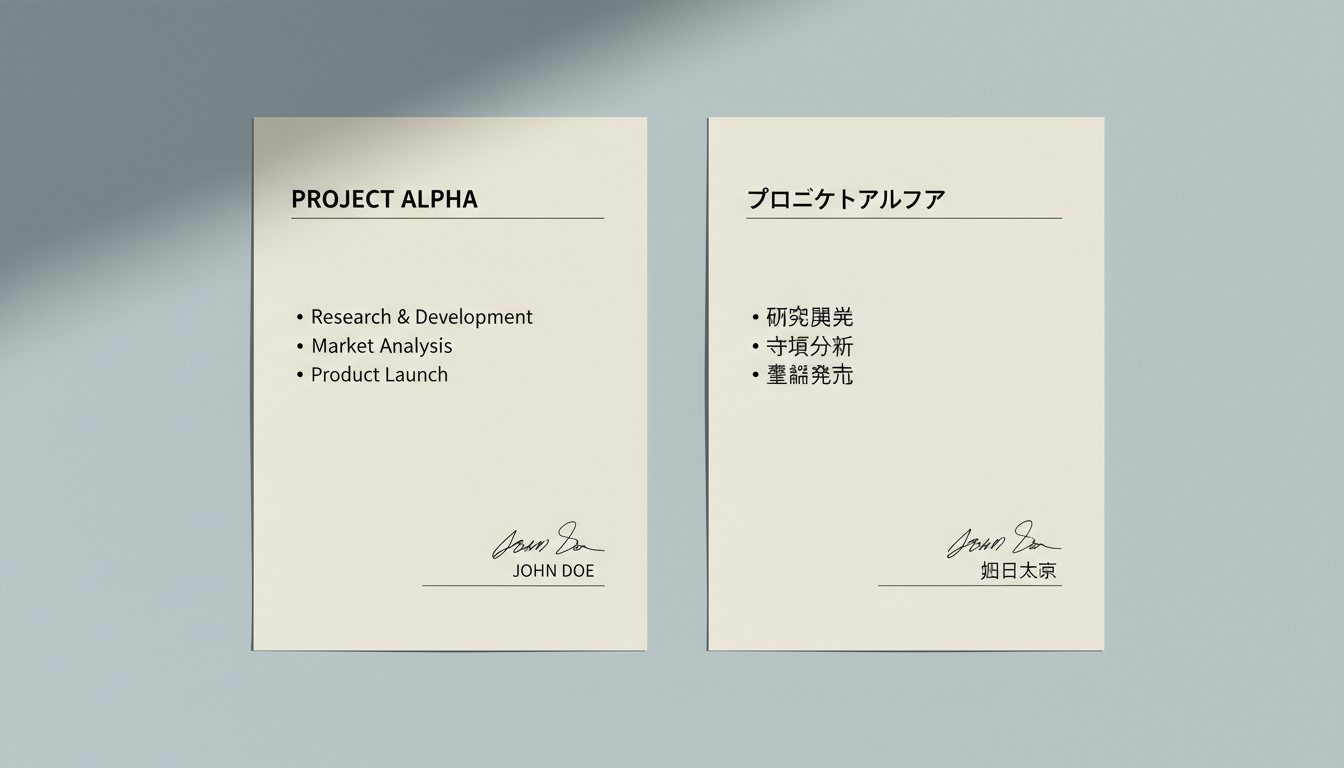
Run the meeting in Mandarin, send the page in English. Or any of a dozen other directions. The structure stays; only the words move.
Process locally, skip storage, exclude from training. For HR, legal, board, M&A — choose how much leaves the room.
One click into Notion, Google Docs, Slack, or PDF — formatted for the destination, not pasted as plain text.
Audio, transcripts, and minutes stay yours. Enterprise plans add private deployment and on-prem storage.
Greatars distinguishes who said what — across overlap, accents, and remote audio — so decisions stay attached to a person.
Not a transcript dump. The structure, tone, and length match what you'd send to a peer, a boss, or a client.
Zoom, Google Meet, Microsoft Teams, Webex, plus Feishu, DingTalk, and Tencent Meeting. The bot joins the call as a guest.
Over 30 languages for input. Output can be generated in any of them, regardless of which language the meeting was in.
Confidential meetings can be processed locally without leaving your network. Nothing is used for model training. Enterprise plans add SOC 2 compliance and private deployment.
Yes. Templates are editable per team — change section headers, add fields like "Risks" or "Customer quotes," or remove ones you don't use.
No. A mute mode lets Greatars listen for structure and decisions without retaining raw audio.
Above 95% for clear single-language audio in supported languages. Accuracy drops with overlap, heavy accents, or poor connections — but the structured output remains usable even when individual words are uncertain.
One-click export to Notion, Google Docs, Slack, Linear, Confluence, or PDF — formatted for the destination. Or pulled via API.
Start with a recording, an upload, or a paragraph of notes.
Start a minute